
How do I update my credit card, address, or other account information?Updated 6 months ago
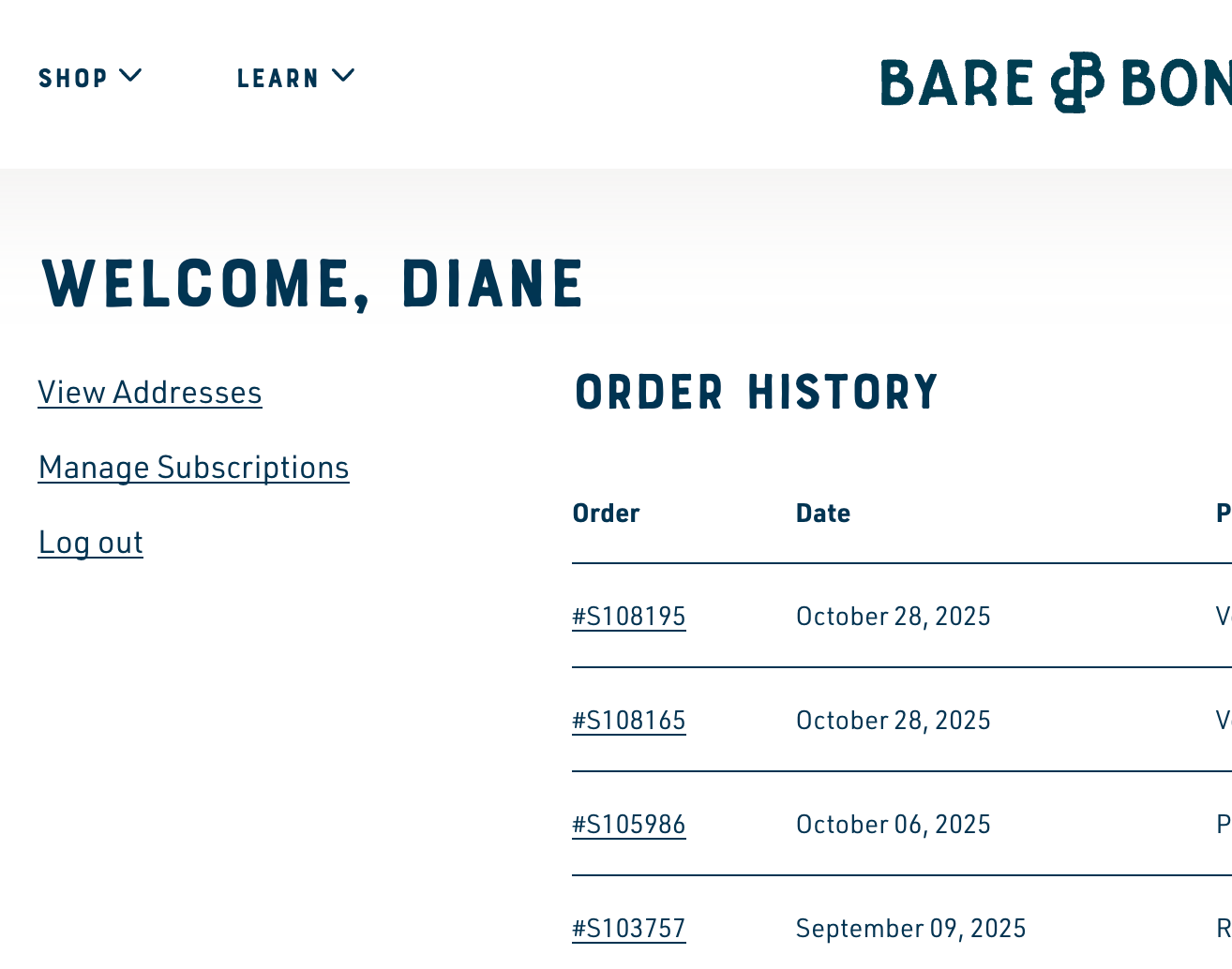
When logged in to your Bare Bones account, you may update your address by clicking on "Manage Subscriptions" at the left.
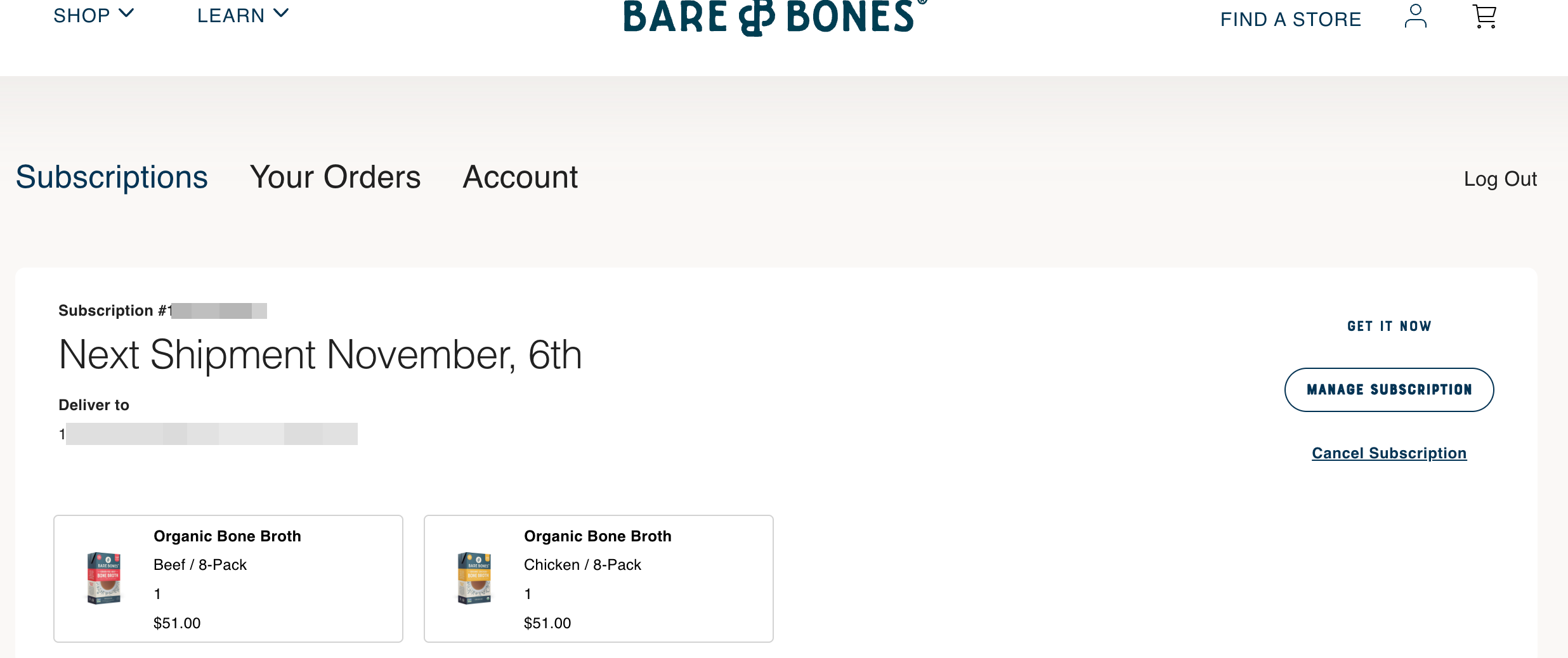
On the page that opens, you will see any subscriptions you have, and you may click the "Manage Subscription" button on the right,
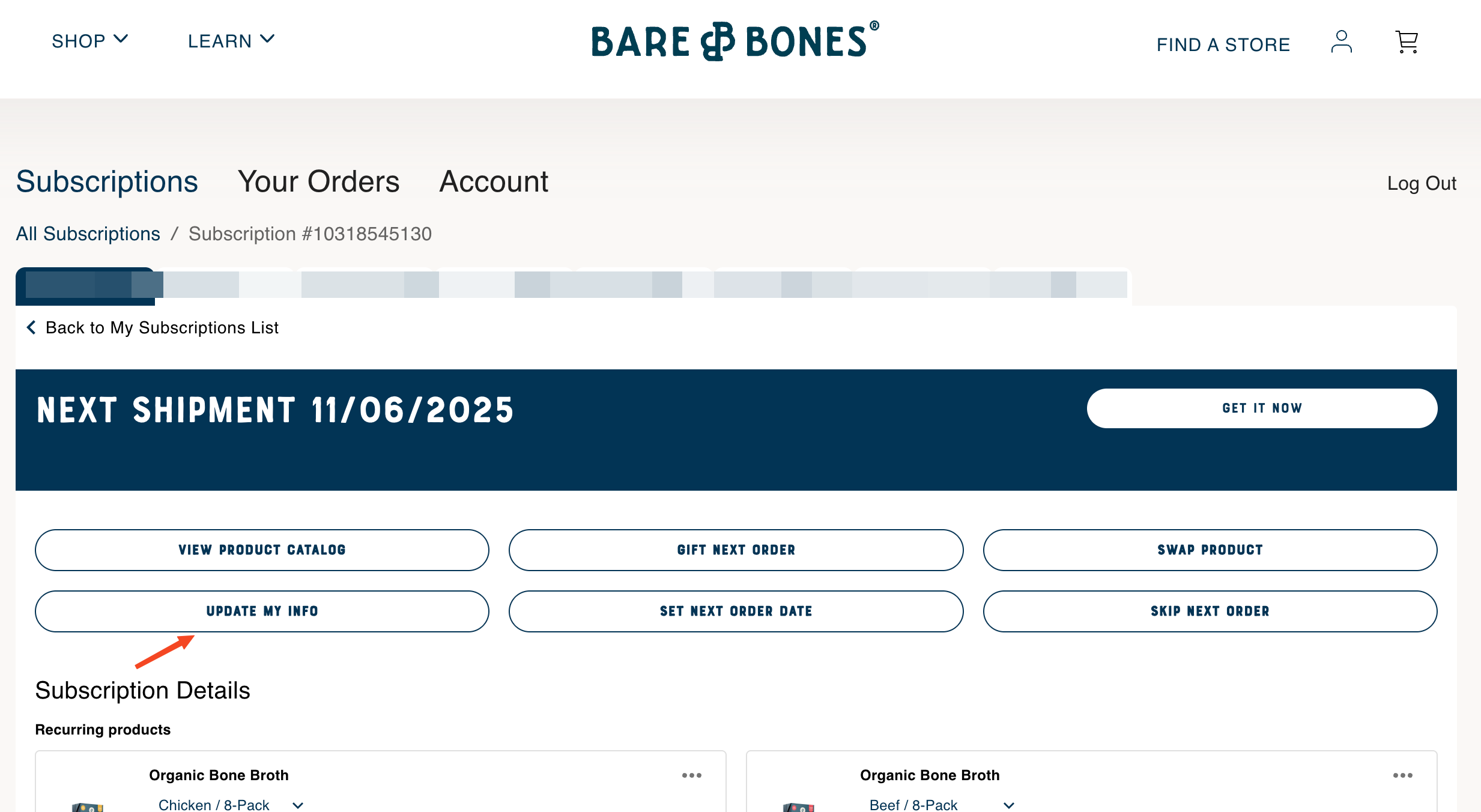
and then the "Update My Info" button.
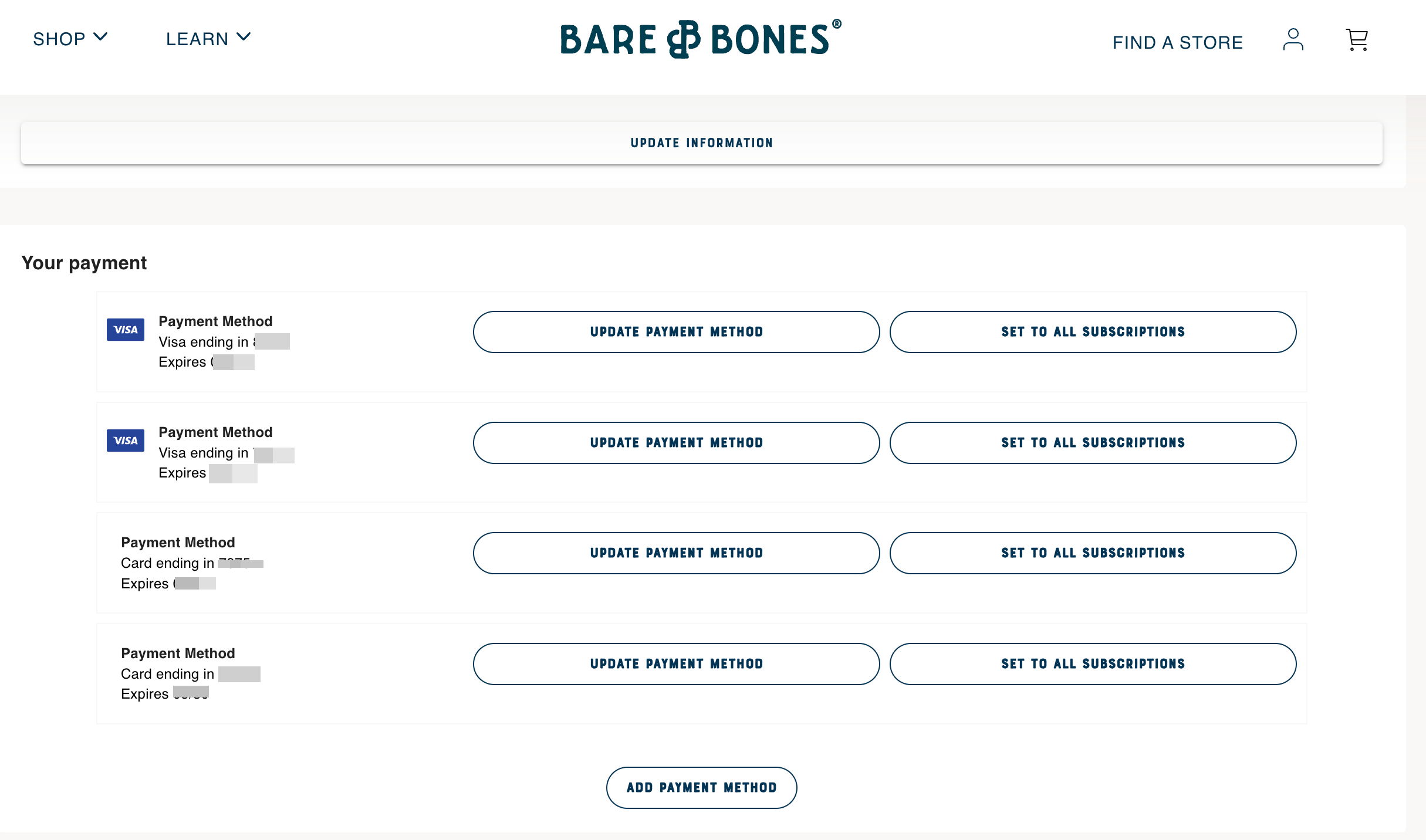
To update or add payment information for a subscription, after logging in to Barebonesbroth.com, go to "Manage Subscriptions" on the left, and then select "Account" at the top.
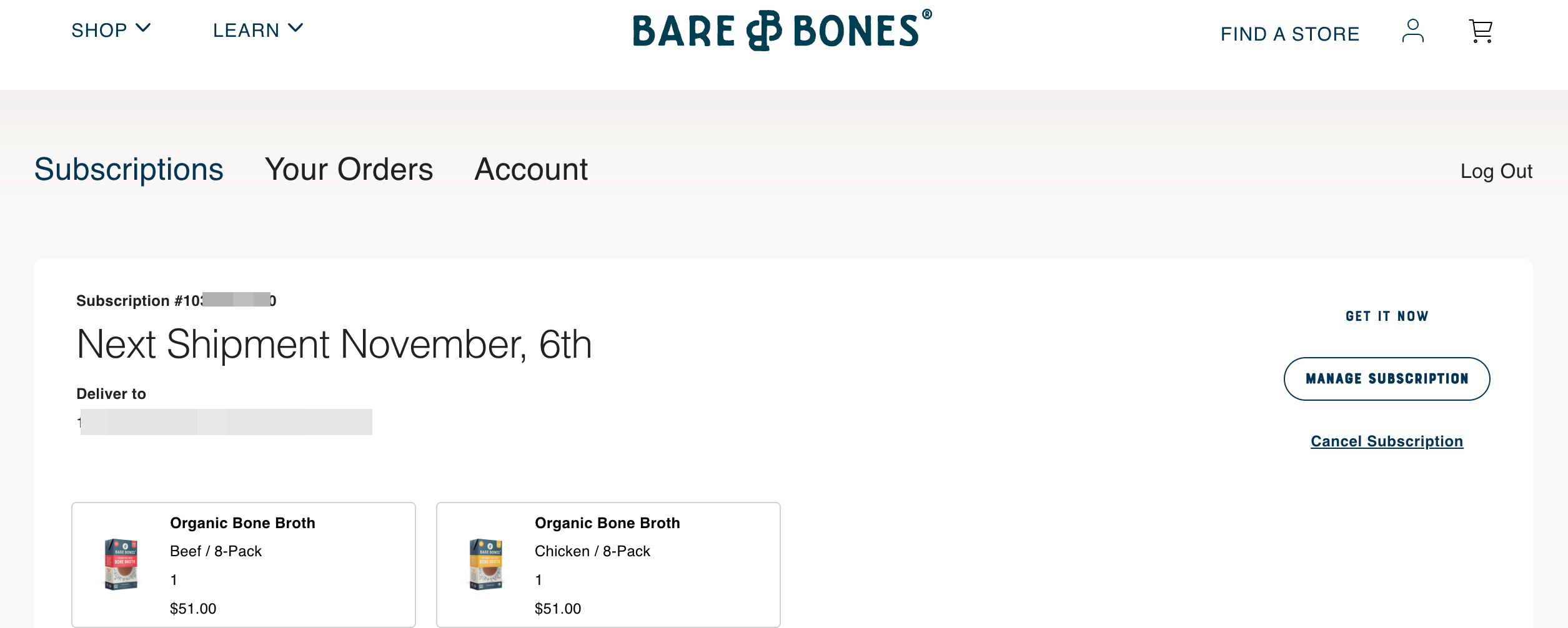
Select a button next to the payment method you wish to update that says "Update Payment Method", or select the "Add Payment Method" button at the bottom to add a new card or other payment method.
If further assistance is needed, please contact [email protected]