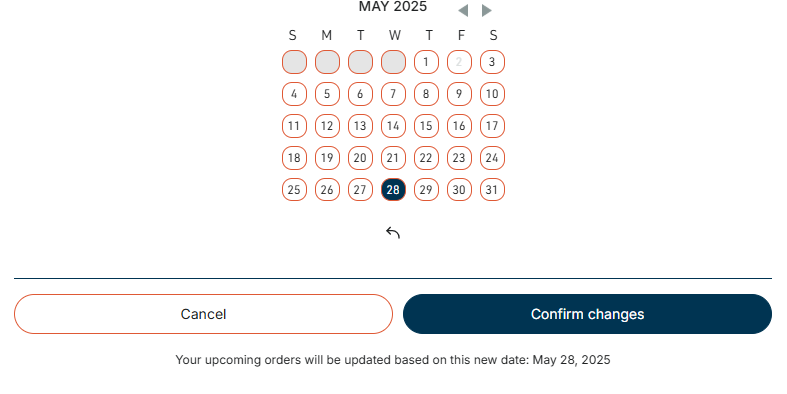
How do I skip a subscription shipment?Updated 6 months ago
1. Login into your account https://www.barebonesbroth.com/account/login?error=login_required
2. Click Subscriptions in the menu bar beneath your name.
3. Locate your subscription and click the Next Order tab above it, or the dark bar beneath it.
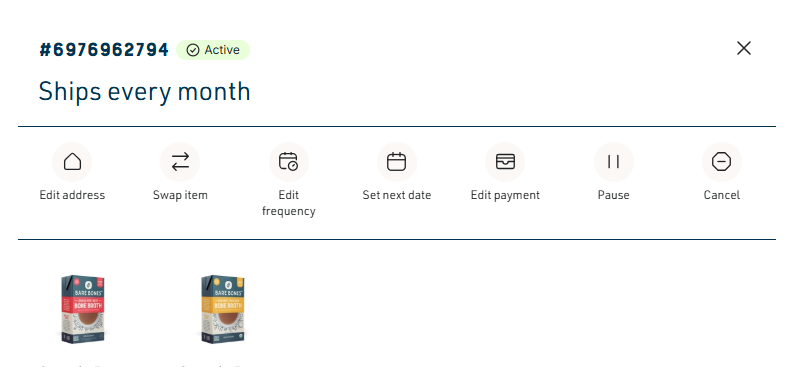
4. Click Set next date from the Menu bar across the top:
5. Proceed to complete the steps to successfully edit your subscription, being sure to click on the Confirm Changes button at the bottom.