
How do I cancel my subscription?Updated 6 months ago
Before you cancel: please note that some products, such as our liquid broth, have been discontinued on our website and can no longer be subscribed to. If you cancel your subscription with such products, you won't be able to reactivate it with those items included. You might like to PAUSE it instead, for up to six months.
Once you're sure you want to cancel:
1. Log in into your account at https://www.barebonesbroth.com/
2. Click Subscriptions
3. Locate your subscription and click Manage
4. Click Cancel
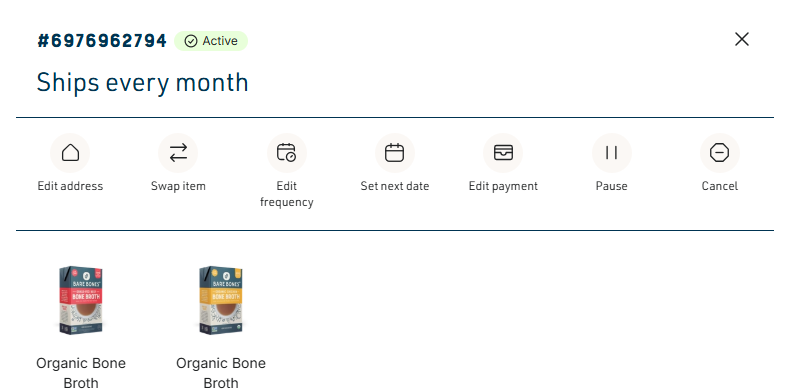
Complete the steps to confirm your changes and successfully cancel your subscription.